
A missed oil change rarely feels urgent until a warning light appears, an engine starts running rough, or a repair bill lands at the worst possible time. A DIY car maintenance app gives everyday owners one place to track the small jobs that protect a vehicle over time. Used well, it can replace glove-box receipts, vague dashboard reminders, and the guesswork of trying to remember when the cabin air filter was last changed.
The right app will not turn every driver into a technician, and it should not encourage anyone to tackle repairs beyond their comfort level. What it can do is make routine car care easier to plan, easier to document, and easier to follow through on. That is especially useful for busy commuters, first-time owners, and households managing more than one vehicle.
Why a DIY car maintenance app is worth using
Modern cars already provide maintenance reminders, but they are usually limited. Many only count down to an oil change or display a generic service message. They do not always tell you what was done, which product or part was used, what it cost, or which maintenance item is coming next.
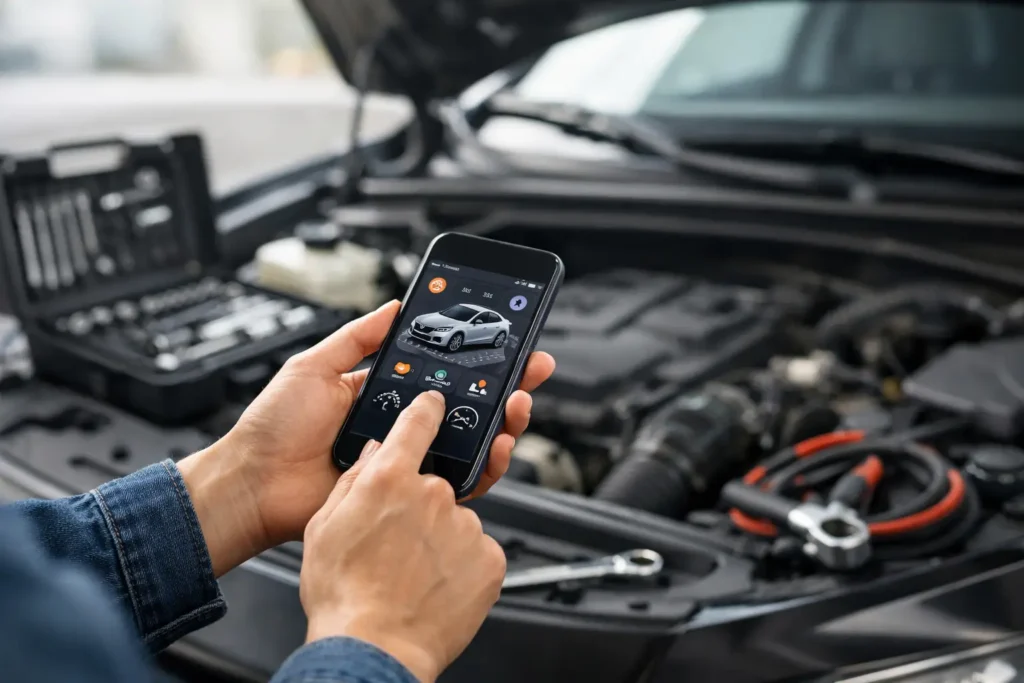
A maintenance app fills that gap by building a history around your specific vehicle. After entering the year, make, model, mileage, and engine information, you can log work such as tire rotations, brake inspections, battery replacement, wiper blade changes, and detailing tasks. Over time, that record becomes more useful than memory alone.
There is also a financial benefit. Routine maintenance does not prevent every failure, but it can reduce avoidable wear. Tracking tire pressure, oil changes, fluid checks, and filter replacements helps you catch simple needs before they become expensive problems. Detailed records can also support resale value by showing a future buyer that the vehicle was cared for consistently.
Features that actually help car owners
The best apps focus on information you can use in the driveway, garage, or auto parts store. Flashy dashboards matter less than accurate reminders and records that are quick to access.
Vehicle-specific maintenance schedules
A useful app should let you add your exact vehicle, not just a broad category such as “SUV” or “sedan.” Maintenance intervals differ by engine, drivetrain, mileage, and driving conditions. A vehicle used for short city trips, towing, delivery work, or frequent extreme temperatures may need some services sooner than one driven mostly on the highway.
Look for an app that lets you adjust the schedule based on your owner’s manual. The app’s suggested intervals are a starting point, not a replacement for manufacturer guidance. For example, a generic reminder might recommend oil service at one mileage interval, while your vehicle’s manual specifies a different interval and oil specification.
Flexible reminders
The most helpful reminders use both time and mileage. An oil change may be due after a certain number of miles or months, while brake fluid and coolant inspections are often calendar-based. If an app only sends a reminder based on mileage, it may miss services for a car that is driven very little.
Good reminder controls also let you set early notifications. A reminder 30 days or 500 miles before a service is due gives you time to buy supplies, compare options, or schedule a shop visit for work you do not want to handle yourself.
Clear service records and receipts
Every completed task should be easy to log. At minimum, record the date, odometer reading, work performed, cost, and parts used. The ability to attach a photo of a receipt is valuable, particularly for warranties on batteries, tires, brakes, and replacement parts.
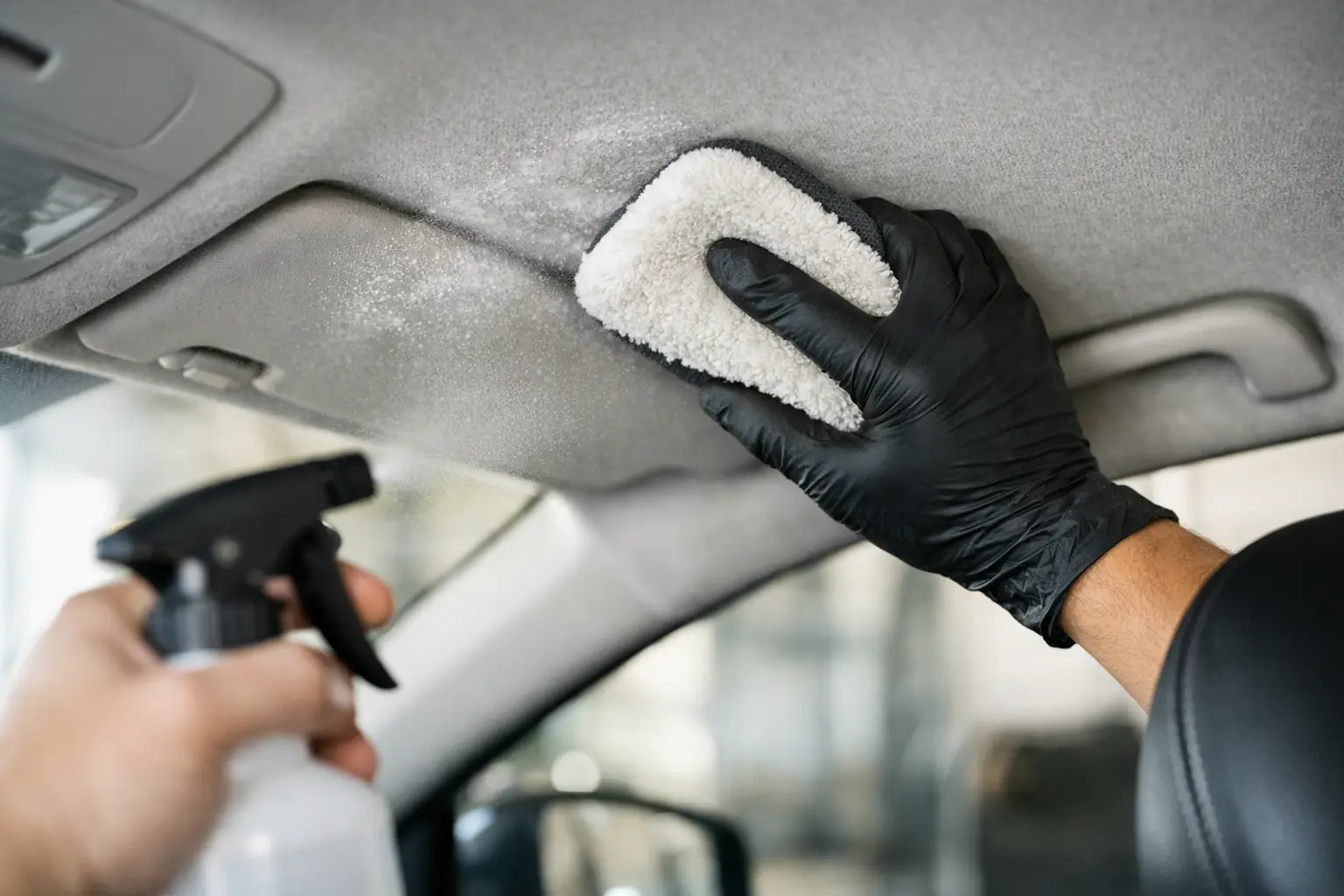
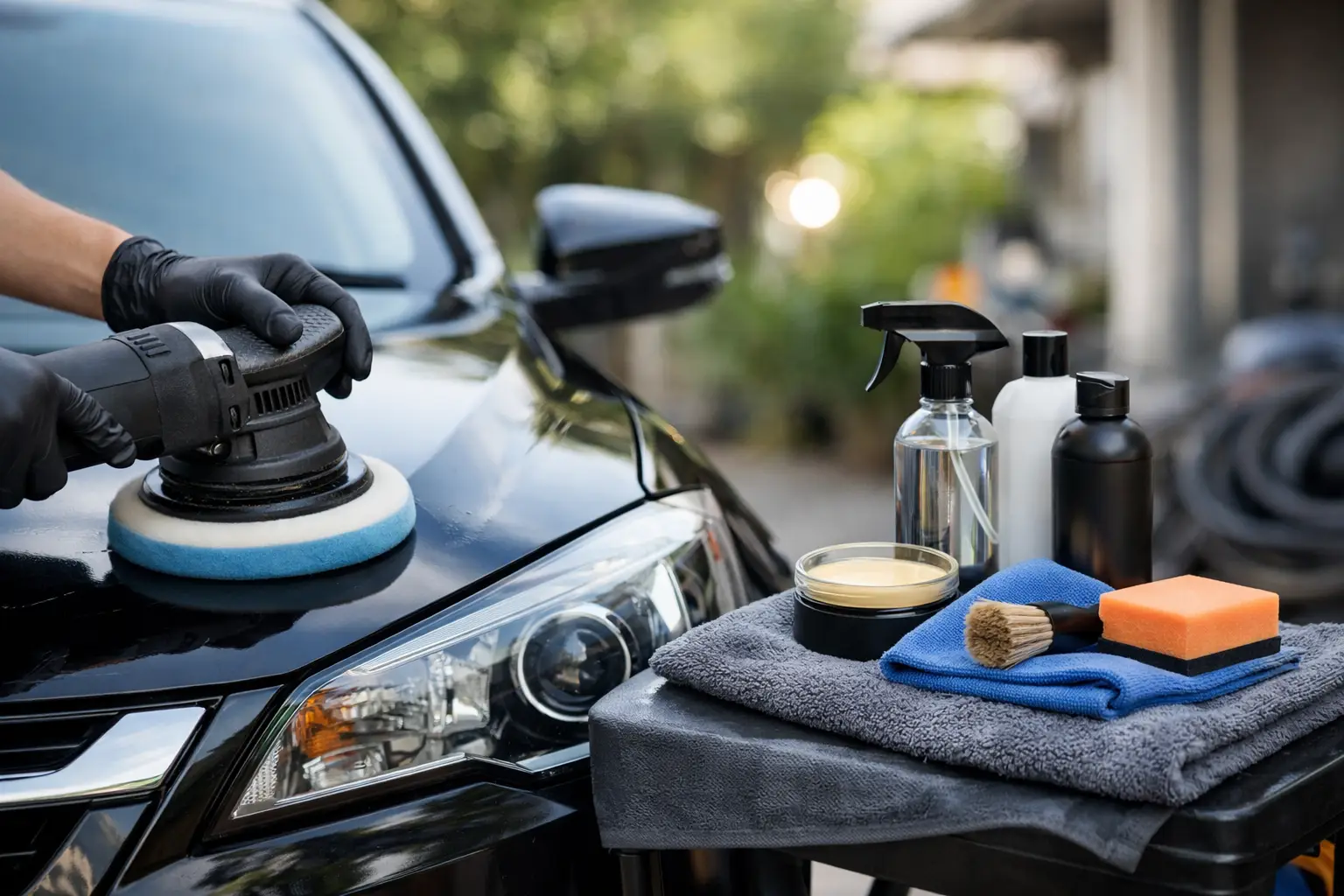
Do not limit the record to mechanical maintenance. Add practical ownership tasks such as replacing a cabin air filter, cleaning battery terminals, treating leather seats, applying protectant to exterior trim, and deep-cleaning the interior. These jobs affect comfort and condition, even if they do not appear on a dealership service menu.
Plain-language DIY guidance
Some apps include how-to articles, checklists, or repair estimates. These can be helpful when they explain the basics clearly: where to find the dipstick, how to check tire tread, or what tools are needed for a wiper blade replacement.
Treat repair instructions with care. A good guide should state the skill level, tools, safety precautions, and situations where professional help is smarter. Brakes, airbag components, high-voltage hybrid systems, fuel systems, and major engine work carry real risks. An app that makes every repair sound easy is not serving beginners well.
Backup and export options
Your maintenance history has value only if you can keep it. Choose an app that syncs records to an account or allows you to export them. Phones get replaced, apps change, and an old device can fail without warning. A downloadable report is also convenient when selling a vehicle or reviewing expenses at tax time for business use.
How to set up your app without creating extra work
The easiest way to abandon a maintenance tracker is to load it with incomplete information and too many alerts. Start with the essentials. Add the vehicle identification details, current mileage, and the last known dates for major services. If you do not have every record, estimate conservatively and make a note that the date or mileage is approximate.
Next, enter the maintenance items that matter most for your car. For many owners, that includes oil and filter changes, tire rotation, tire pressure checks, engine and cabin air filters, wiper blades, battery testing, brake inspections, and state inspection or registration deadlines. Add other tasks from the owner’s manual as needed.
Then create a simple habit: log the work as soon as it is completed. It takes less than a minute to record a tire rotation while the receipt is still on the counter. Waiting until the end of the month usually means missing details, especially mileage and part numbers.
If more than one person drives or maintains the vehicle, use an app that supports shared access. This prevents duplicate work and keeps everyone aware of upcoming needs. It is particularly practical for families with a teen driver or couples who share maintenance responsibilities.
What an app cannot tell you
A DIY car maintenance app is a planning tool, not a diagnostic tool. It cannot hear a wheel bearing hum, feel a brake pedal pulsation, or identify why an engine light came on. Some apps can connect to an onboard diagnostic scanner, but trouble codes still need context. A code points to a system or condition, not always to the failed part.
It also cannot account for every driving condition automatically. If you regularly tow, drive on dusty roads, sit in heavy traffic, or make repeated short trips, your car may qualify for the severe-service schedule in the owner’s manual. That schedule often calls for more frequent maintenance than normal driving.
Finally, do not use an app as a reason to ignore visual checks. A quick walk-around can reveal a low tire, leaking fluid, cracked wiper blade, or damaged light before a reminder appears. Technology works best alongside basic attention to how your vehicle looks, sounds, and drives.
Choosing between a free and paid app
A free DIY car maintenance app can be enough if you only need reminders and a basic service log for one vehicle. Before committing, check whether the free version limits the number of vehicles, hides receipt storage, displays distracting ads, or restricts data export.
A paid option may be worthwhile when it offers family sharing, detailed cost tracking, VIN-based service information, offline records, or reliable backup. Still, price is not the main measure of usefulness. An app you update consistently is better than a feature-packed subscription you stop using after two weeks.
Privacy deserves a quick review, too. Vehicle information and location data can be useful for service estimates or mileage tracking, but read what the app collects and whether it shares data with third parties. Choose only the permissions needed for features you plan to use.
A good maintenance app should make ownership feel calmer, not more complicated. Set up the reminders that fit your vehicle, keep honest records, and let the app handle the remembering while you focus on the small, timely jobs that keep your car dependable.